

The new-agent defaults are available to the organization Admin and Security roles on the Pro plan or higher. Both roles can view and manage these settings. See the organization role matrix.
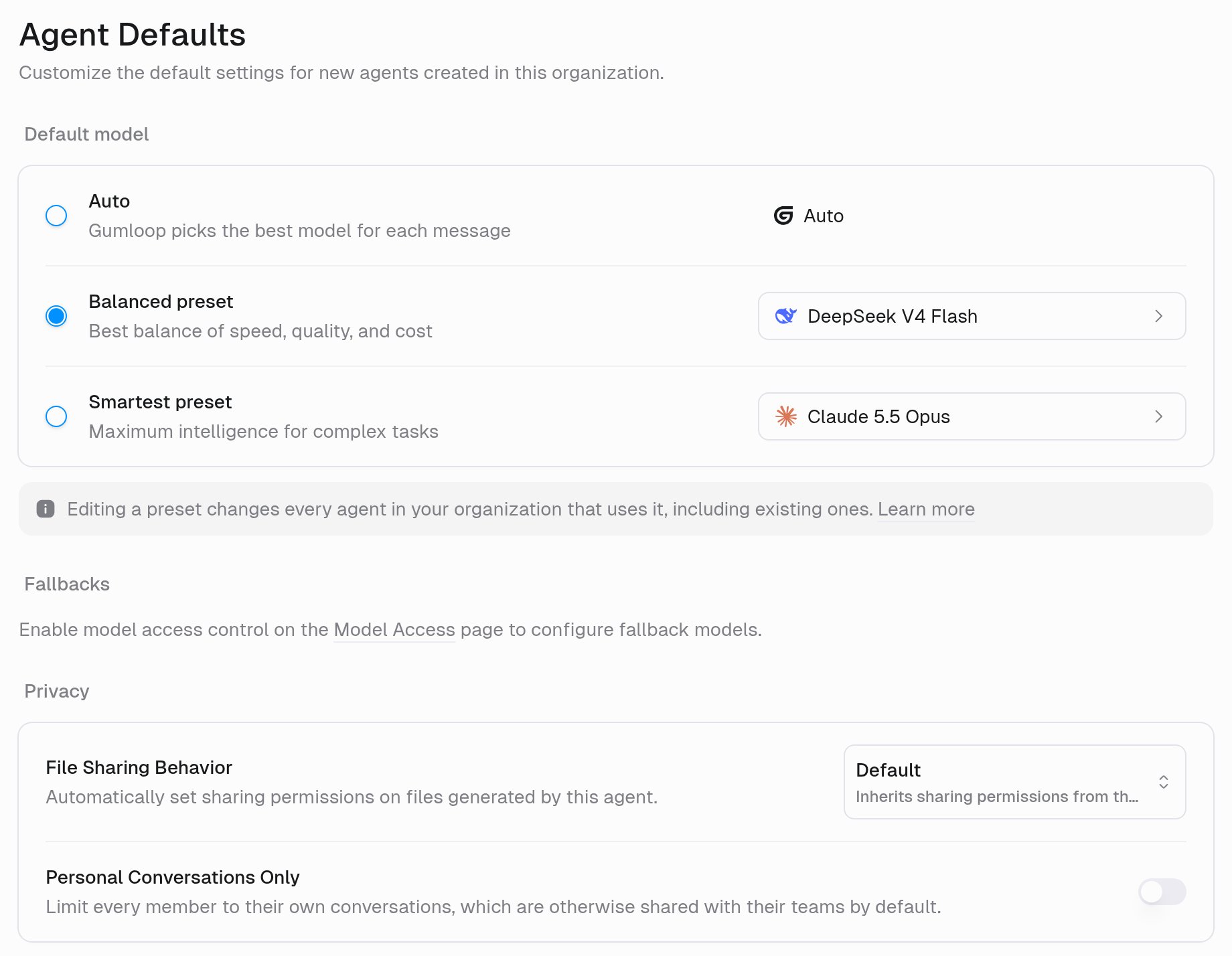
Settings > Agent Defaults. The model controls shown are the Enterprise view. Available settings depend on your plan.
Available settings
On Pro, reasoning, speed, and context-window defaults are model-aware. Available controls depend on the model you pick.
Enterprise organizations manage model runtime defaults through presets. See AI model governance & configuration for configuration and transitions from older defaults.
For File Sharing Behavior, the available values are:
Messaging mode
Messaging mode sits under Default settings on Agent Defaults. It sets how new custom agents send replies in the web chat and connected channels:- Classic: sends one reply with its final response when the turn finishes. This is the default.
- Conversational: sends messages while it works, including more than one per turn.

How defaults apply
Every new custom agent created in the organization inherits these defaults for anything its creator doesn’t set:- The initial model selection and model-specific defaults where supported
- File-sharing behavior
- The agent’s default abilities configuration, including which native abilities are on and which image model Image Generation uses
- The agent icon
- The agent’s self-improvement settings, which follow the creator, such as their timezone
Organization conversation policy
Personal Conversations Only, in the Privacy section of Settings > Agent Defaults, limits every member to their own conversations, which are otherwise shared with their teams by default. Unlike new-agent defaults, this policy applies to both existing and new tasks.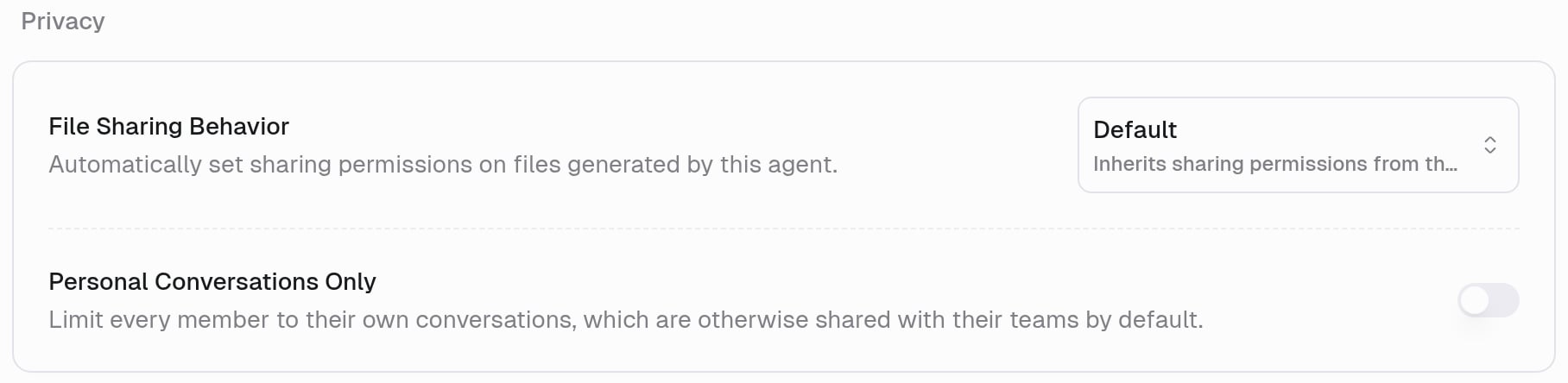
- You keep access to conversations you started, conversations explicitly shared with you, and conversations that invite you.
- Existing Slack and Teams collaboration access stays in place. The policy doesn’t make those conversations private to their initiator.
- Agent Owners and organization admins retain agent configuration access, but their role alone no longer grants access to every saved conversation.
- Task history, listings, and search exclude conversations you can’t access, including their titles and snippets.
- Gumloop hides the agent-level Task Visibility control, which can’t override the organization policy.