

Before you start
You need an organization Admin or Manager role. See Organization and Teams.From the sidebar
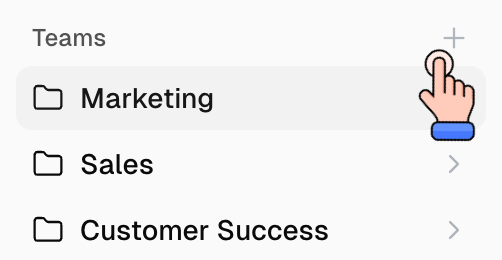
- On the Home page, find Teams in the left sidebar.
- Click the + icon.
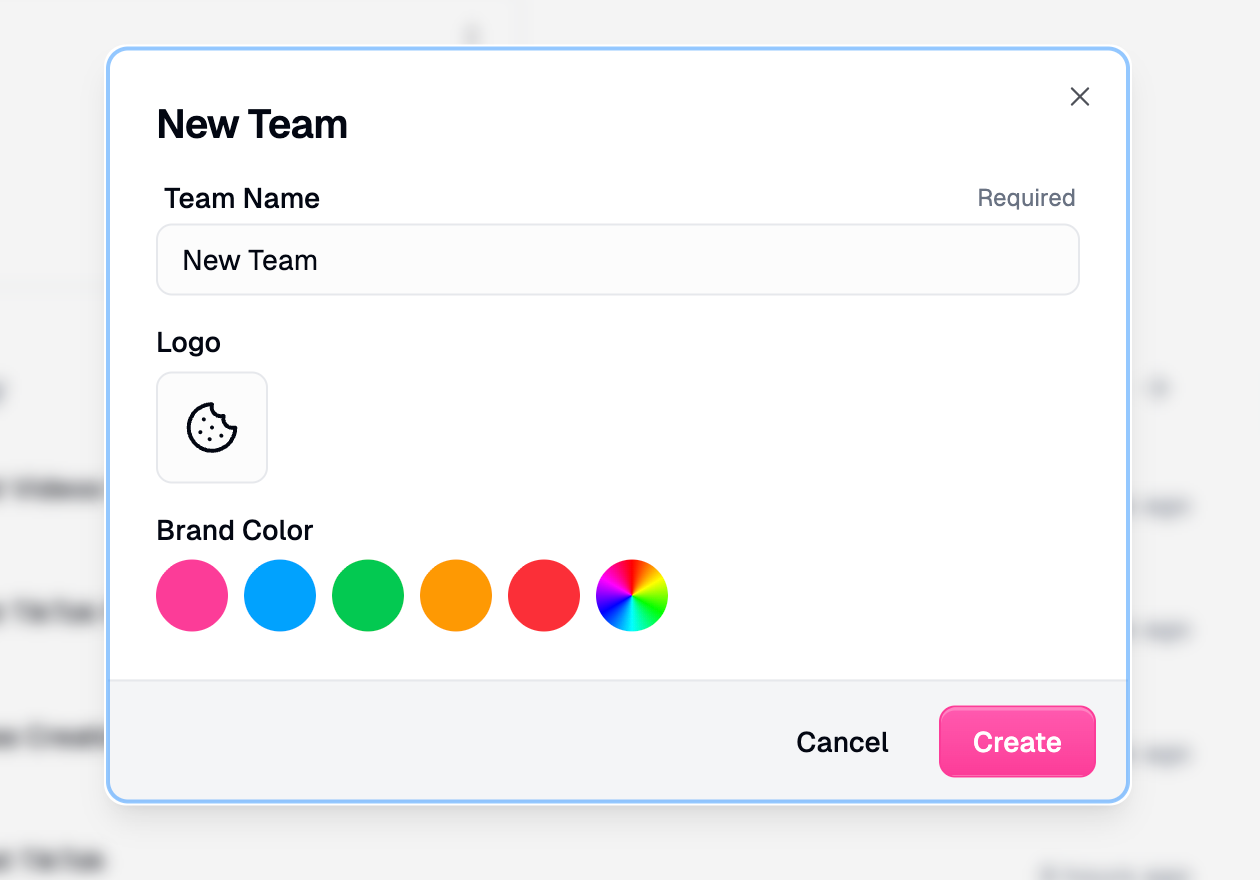
- Name the team, optionally pick a logo and brand color, then click Create.
From organization settings
- Go to Organization > Teams.
- Click Create.
After you create it
- Add people to the team.
- Add team connectors if the team should share one account.
- Move or create agents in that team only when they should be team-owned.
Related
Organization and teams
Personal space vs team
Add someone to your org or team
Invite after the team exists