

- Open the agent and click Share at the top.
- Type their email in Add people or teams.
- Open the role picker inside the field, choose Owner (Can manage this Agent), and click Add.
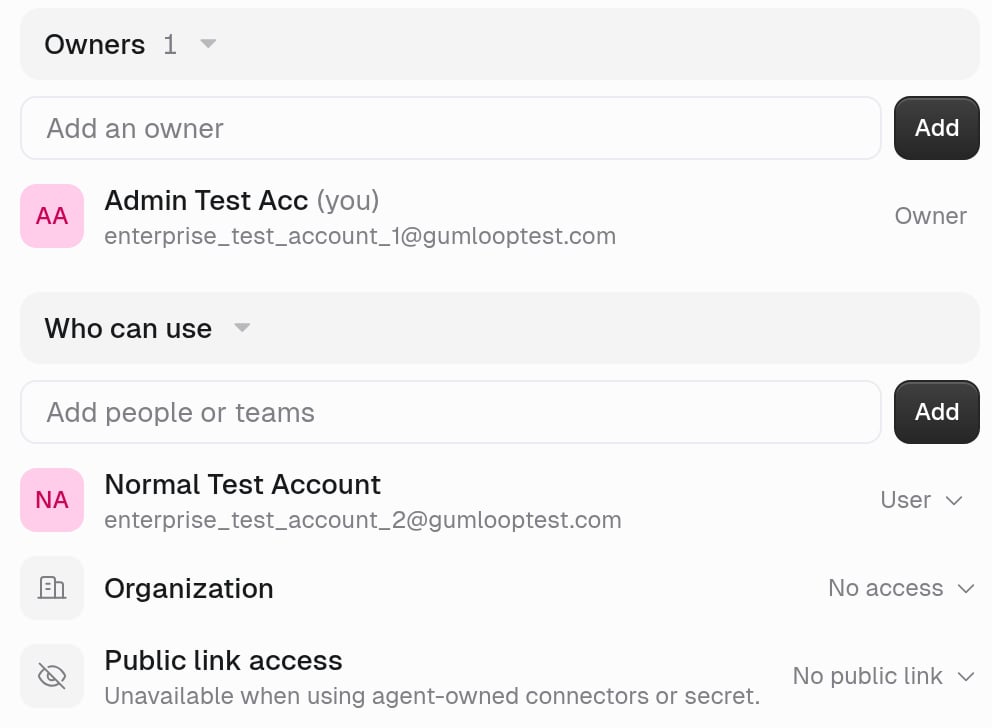
If they only need to use it
Add them as a User instead, add their team under Who can use, or set Organization to Allowed to use. Then choose what they can see with User Permissions.If they still need to connect Gmail or Slack
Use Copy setup link from the agent’s share actions instead of only sending the agent URL. It walks them through authenticating the agent’s connectors.If they only need a copy
Use Duplicate from the agent’s three-dot menu rather than making them an Owner of yours.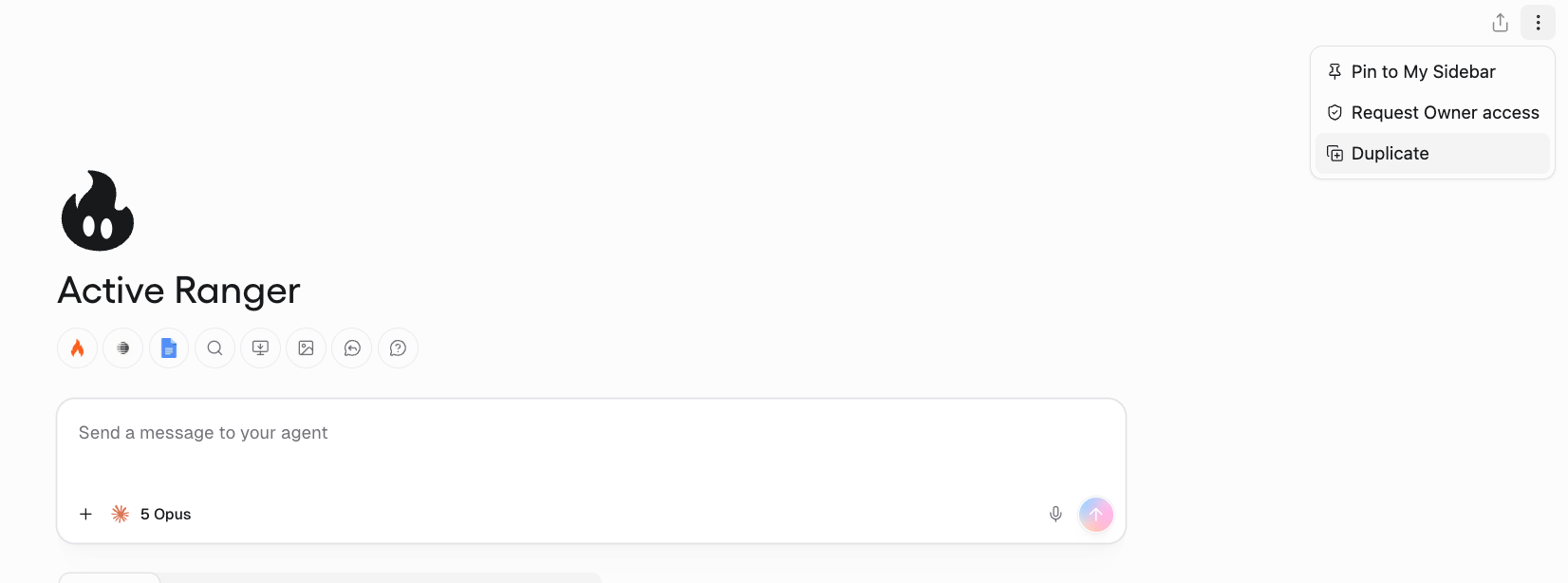
Team alternative
If several people should own the agent long term, create a team and put the agent there, then add them as Owners. Everyone on the team gets User access automatically.Related
Sharing roles
What Owner and User can do
Who can manage triggers
Owner vs User on triggers
Roll out an agent
Company-wide launch