

Existing personal agent
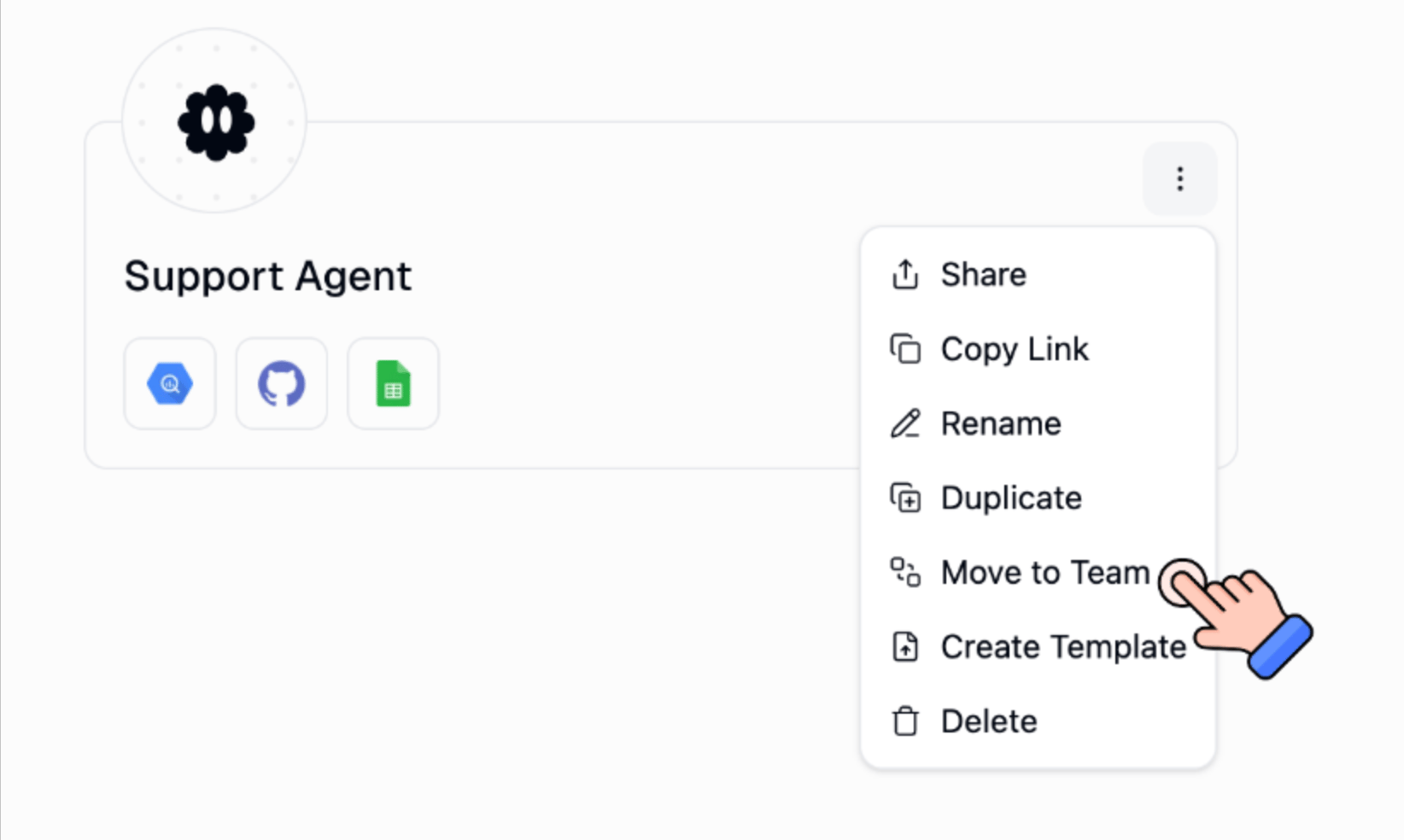
- On the Home page, open the agent’s ⋮ menu and choose Move to Team. Or open the agent and use Move to Team there.
- Pick the destination team.
- Open the connector’s three-dot menu.
- Choose Use Team Default or Use Specific Account. See Choose which account to use.
New agent
Create the agent inside the team, add the connector, and pick the team account from the start.Good to know
- Use Personal Default still uses each runner’s own account. That’s usually what you want for Gmail.
- Use Team Default / Specific Account is for a shared inbox or CRM.
- Changing a team agent’s connector affects everyone. Confirm before you save.
Related
Connectors
Pin a personal or team account
Add team connectors
Connect the shared account first