

Why use them
- Everyone on the team can run agents against the same account.
- People don’t have to connect their personal Gmail or Salesforce.
- You can revoke the shared connection in one place.
From the sidebar
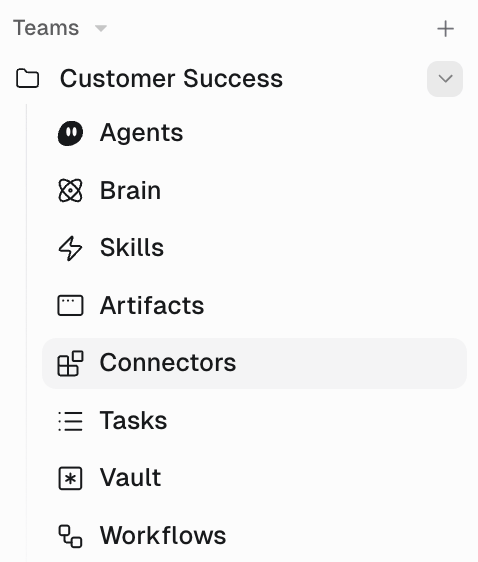
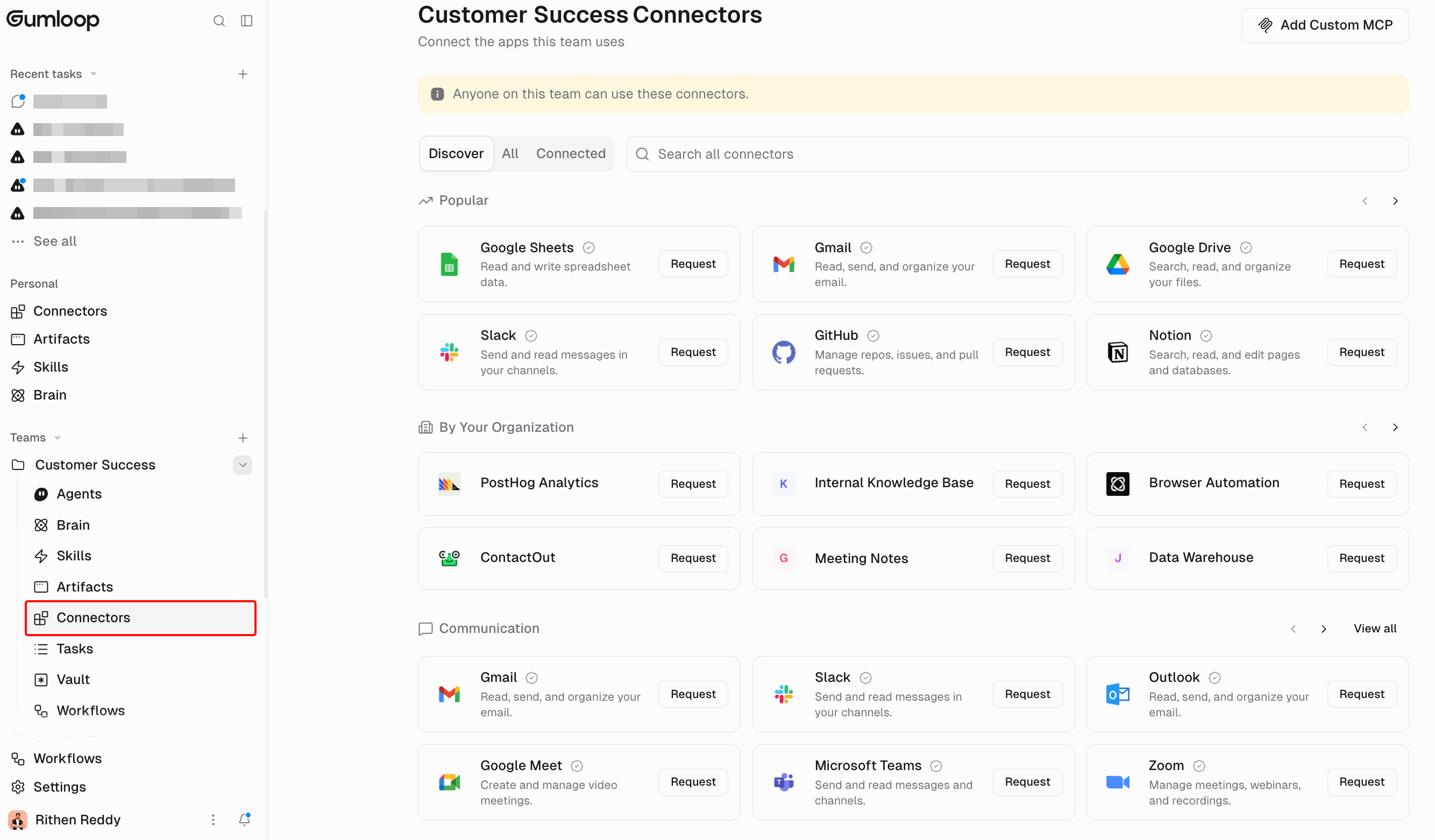
- On the Home page, expand the team in the sidebar.
- Click Connectors.
- Find the app under Discover or All, click Add, and sign in with the shared account. Non-admins see Request instead, which asks a team admin to connect it.
From organization settings
- Go to Organization > Teams.
- Open the team, then click Manage Connectors.
- Find the app and click Add.
Who can add them
Team owners and members with permission to manage team connectors. Organization members who aren’t on the team can’t use that team’s connectors.A team connector only works for agents that live on that team. Personal-space agents can’t see it until you move the agent.
Related
Use team connectors
Point an agent at the shared account
Connectors
Personal vs team