1
Create a Mode API token
In Mode, open Workspace Settings → Privacy & Security → API and create an API token. Copy both the token and its secret. Mode shows the secret only once, when you create the token.
2
Open the Mode connector
Open Customize → Connectors, find Mode, and open its connection form.
3
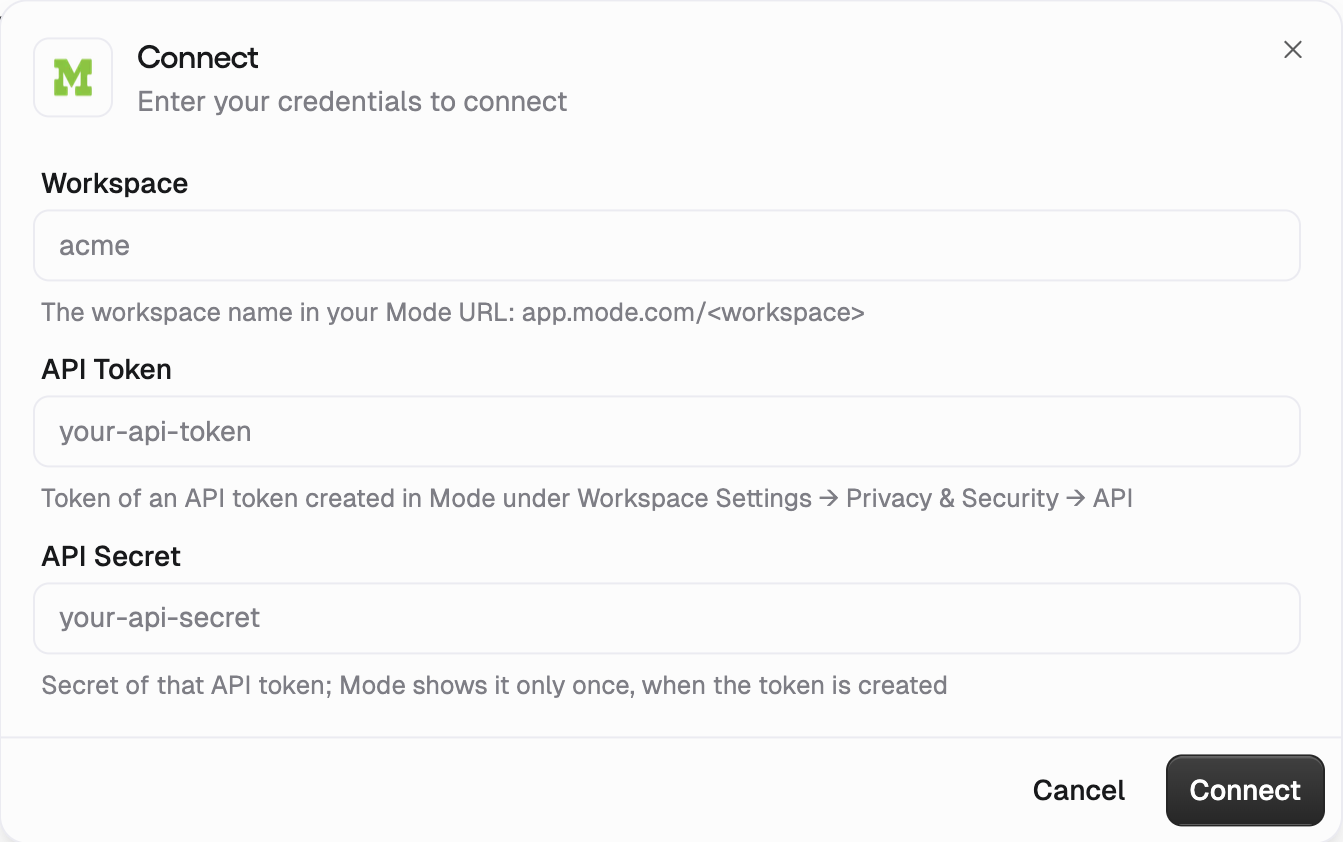
Enter the connection details
- Workspace: the workspace name in your Mode URL,
app.mode.com/<workspace>. - API Token: the token you created in Mode.
- API Secret: the secret shown when you created that token.