

On an agent
- Open the agent.
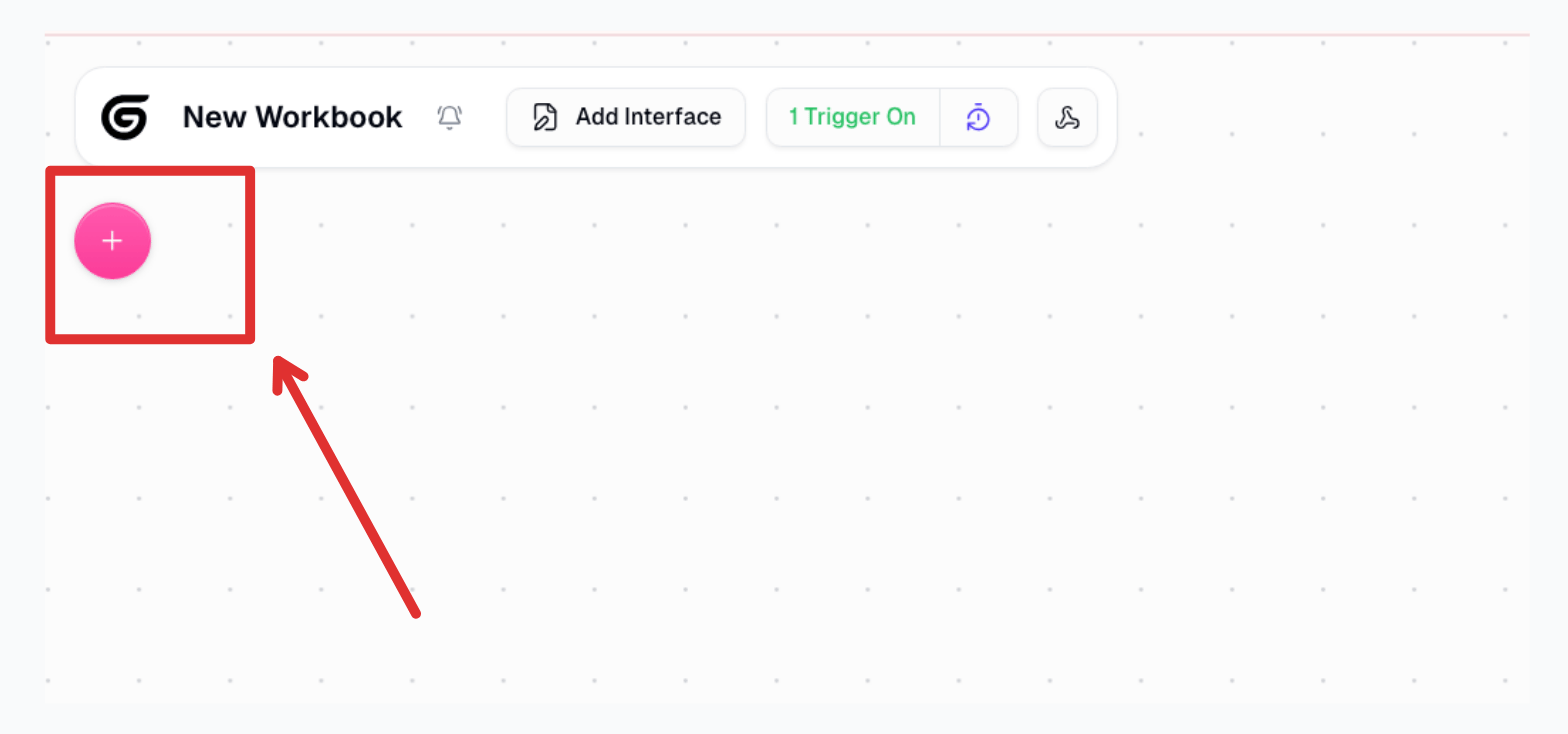
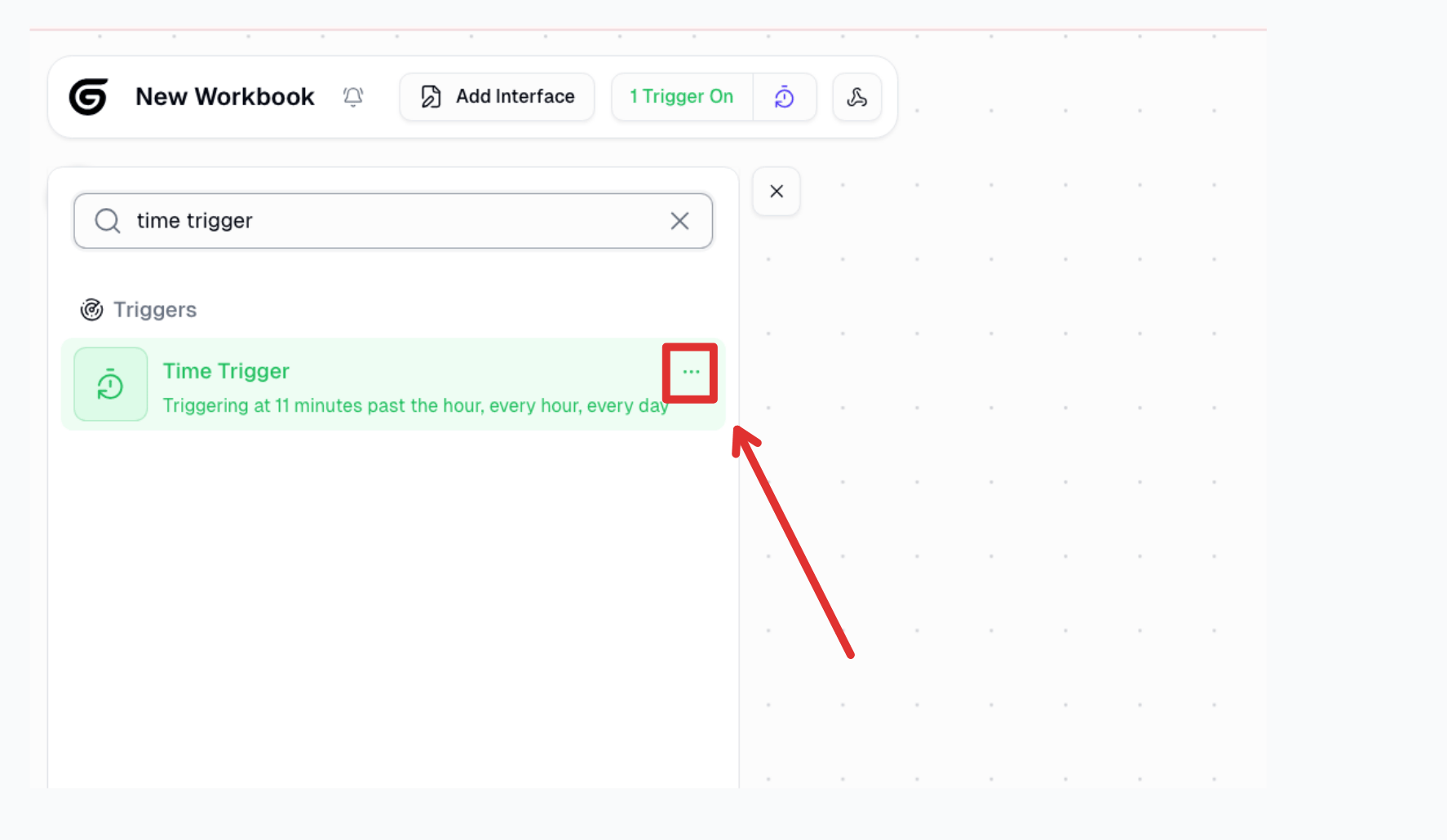
- Open Triggers.
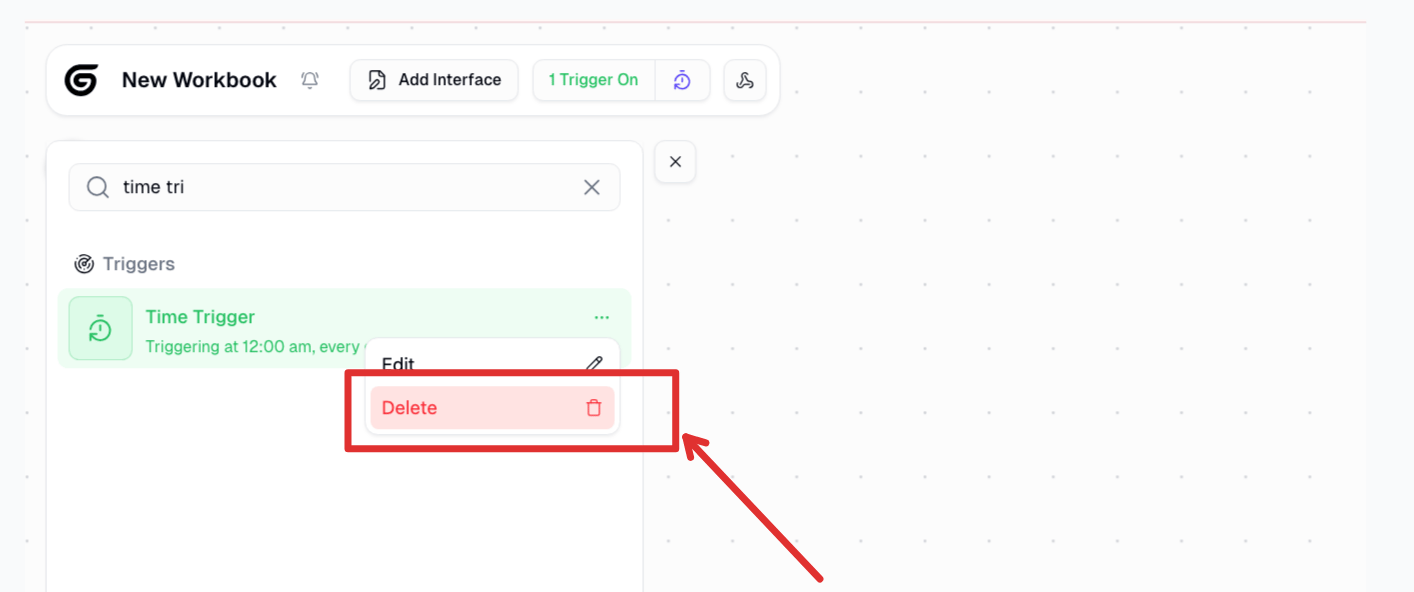
- Choose Deactivate to pause it, or Delete if you do not need it again.
On a workflow
Workflow schedules live on the workflow, not on an agent.- Open the workflow.
- Open its trigger settings.
- Turn the schedule off or remove it.
Good to know
- A deactivated trigger does not fire and does not poll.
- One-time scheduled triggers delete themselves after they run, success or fail.
- Deleting cannot be undone. Recreate it if you still need it.
- If a run is already in flight, stopping the trigger does not cancel that run. Cancel the run from history if you need to.
Related
Agent Triggers
Add a scheduled or event trigger
Workflow Triggers
Workflow schedules