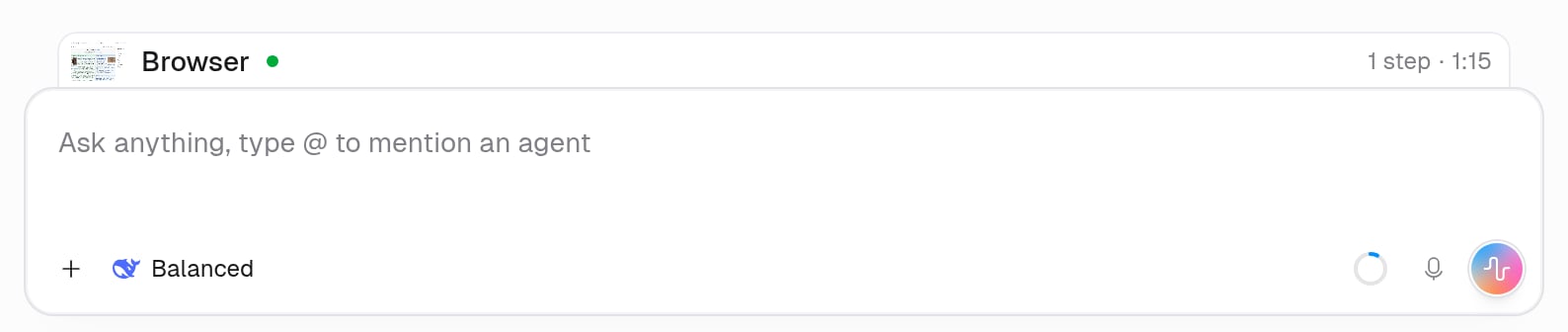
The Browser panel doesn’t open on its own. When the agent starts using the browser, a Browser bar appears just above the message box. Click it to open the panel.
Browser bar above the chat message box with a small page preview, Browser with a green live dot, and 1 step · 1:15
The panel opens for you only when the agent hands you the browser to sign in, enter a code, or solve a CAPTCHA. See When does the agent ask me for help?.
No bar means the agent hasn’t used the browser in this chat. See Why is the browser turned off for me?.
Replays are added when the agent’s turn finishes, so a running or paused turn doesn’t show one yet.