

Steps
- Open Settings > Profile > General.
- Scroll to Danger zone and select Delete account.
- Confirm it’s you:
- Email and password: enter your current password.
- Google, Microsoft, or SSO: sign in again in the pop-up with the same account.
- Select Delete Account. You’re signed out and see “We’ve received your account deletion request. Your account deletion is in progress.”
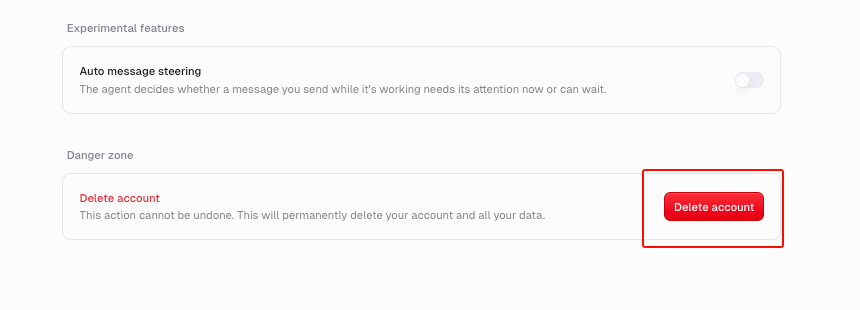
Seeing the trial or subscription screen instead? You don’t need to start a trial or subscribe to delete your account. Scroll to the bottom of the screen and click Delete account, just below Sign out. Then follow steps 3 and 4 above to complete the deletion.
What gets deleted
Your account and the data you own: agents you created are deleted unless another Owner remains. A personal agent with another Owner moves to its oldest remaining Owner, and a team agent stays in its team. A team Gumball moves to the oldest eligible team member. Your chats, skills, triggers, files, and Brain sources are also deleted, and you’re removed from your organization.What happens to my subscription
Deleting your account ends any subscription billed to you right away, so you don’t pay again. If you’re the last member of your organization, it also ends the organization’s plan. If you pay for your organization’s active subscription, you can’t delete your account until you cancel it. You can’t move billing to another member. Cancel your plan or trial first.After the deletion request is accepted, cleanup continues in the background.
Can I sign up again with the same email?
No. You can’t sign up again with a deleted account’s email on your own. If you need it, contact support before you delete.Troubleshooting
Don’t see Danger zone? Your account is part of an Enterprise organization. Ask your organization admin.